Worker fatigue opt-outs
Some fatigue limits are legal hard stops that must always be enforced. Others are internal advisory guidelines where a worker's own informed choice should be respected. Subshift supports this distinction through the canOptOut flag on individual fatigue rule limits.
When a limit is marked as opt-out eligible, workers can choose to opt out of that specific limit from the Subshift worker app. Their opt-out state and full history are tracked and visible in the agency portal.
Warning
Enabling opt-out on a fatigue rule limit
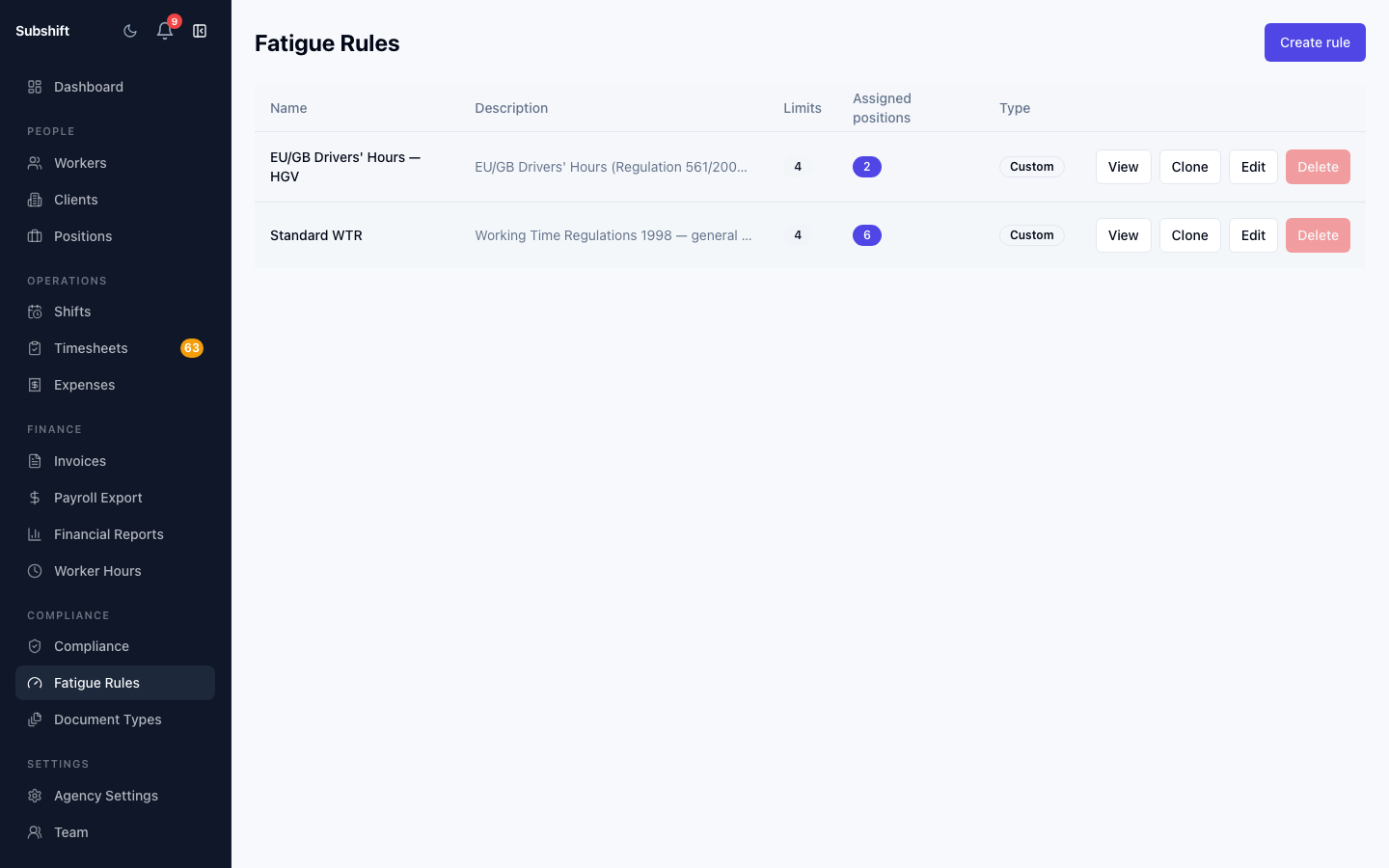
- Go to Fatigue Rules in the sidebar.
- Click the rule you want to edit (or create a new one).
- Locate the specific limit you want workers to be able to opt out of.
- Set the severity to Warn (if it is not already).
- Enable the Can opt out toggle for that limit.
- Save the rule.
Note
canOptOut flag applies to a single limit within a rule, not to the entire rule. A rule can have some limits that workers can opt out of and others that they cannot.
What the worker sees
Once a limit is marked as opt-out eligible, workers see it in the Fatigue settings section of the Subshift worker app. Each opt-out eligible limit is listed with a toggle the worker can turn on or off.
When a worker opts out of a limit, it is no longer applied when the matching engine evaluates their eligibility for shifts. The opt-out does not affect other limits on the same rule.
Viewing opt-out status per worker
To see a worker's current opt-out state:
- Go to Workers and click the worker's name.
- Select the Fatigue tab on the worker detail page.
The Fatigue tab lists all fatigue rules active for the worker's positions. For any opt-out eligible limits, you can see whether the worker has opted out and when that choice was last changed.
Opt-out history
Every opt-out change — opt in or opt out — is recorded in the worker's activity log with a timestamp. This gives agencies a clear record of when the worker's preferences changed, which can be relevant in regulatory reviews.
Related
- Creating a fatigue rule
- Overriding a BLOCK breach — for manager overrides on BLOCK-severity limits
- Worker detail — the Fatigue tab