Assigning fatigue rules to positions
Every position in Subshift must have a fatigue rule. The rule is evaluated whenever a worker is considered for a shift that uses that position — if the worker would breach any limit in the rule, they receive a fatigue badge on the shift group page.
Assigning a rule when creating a position
- Go to Positions in the sidebar.
- Click Add position.
- Fill in the position name and optional description.
- In the Fatigue rule dropdown, select the rule to apply. Templates appear first (with "(template)" suffix), followed by your custom rules sorted alphabetically.
- Click Create position.
Note
Changing the rule on an existing position
If you need to update which fatigue rule applies to a position — for example, because your regulatory requirements have changed — edit the position and select a different rule from the dropdown.
Warning
Using template rules
You can assign a template rule directly to a position. Templates are read-only so they cannot be customised, but they are a good starting point for standard sectors. If you need to adjust a template's limits, clone it first to create an editable copy.
To clone a template:
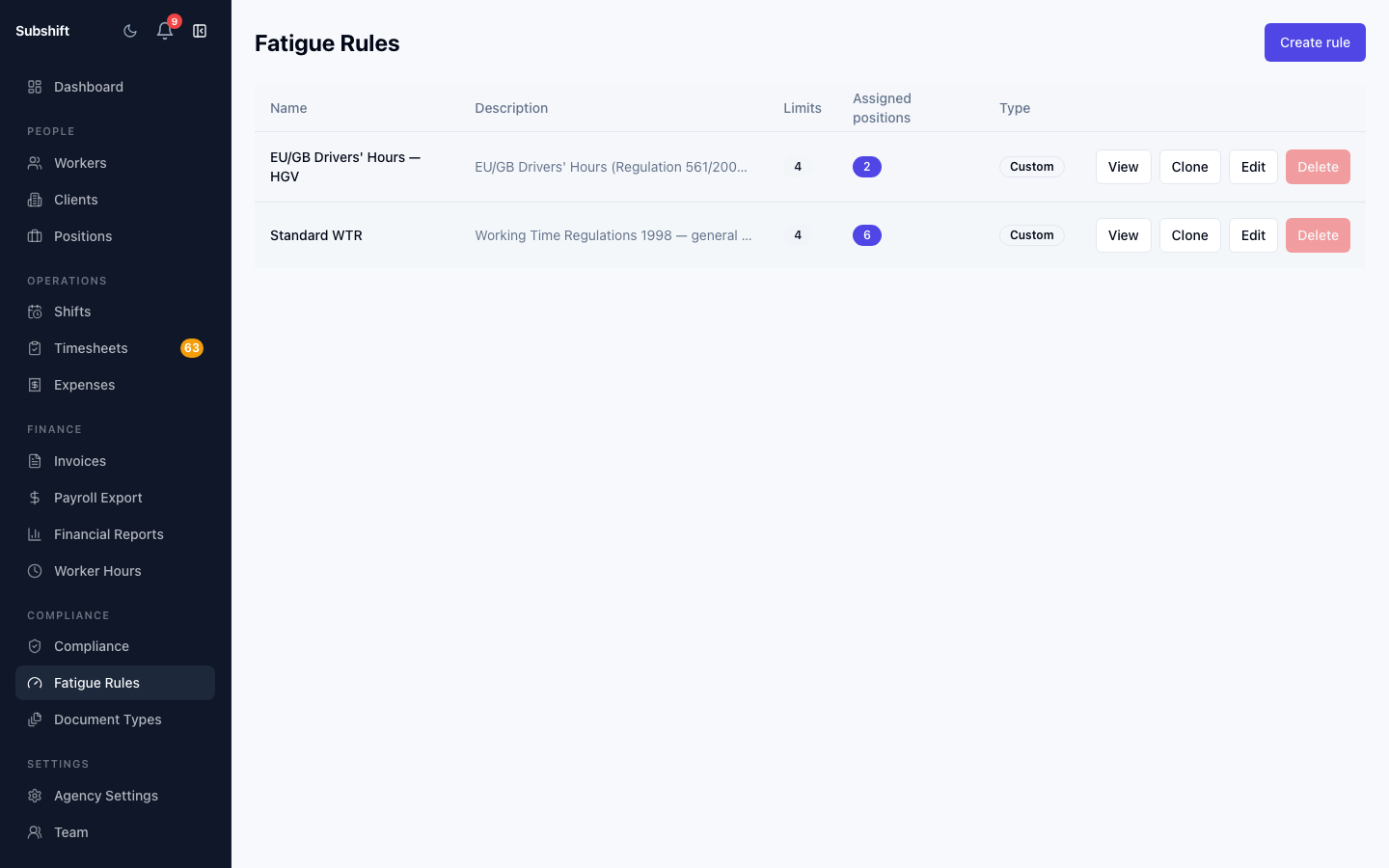
- Go to Fatigue Rules in the sidebar.
- Click Clone on the template row.
- Edit the cloned rule as needed.
- Return to the position and update the rule assignment.
Viewing which positions use a rule
On the Fatigue Rules list, each rule row shows how many positions are currently assigned to it. This count helps you understand the impact of editing or deleting a rule before you make changes.
Related
- Fatigue rules overview — how fatigue rules work
- Creating a fatigue rule — build or clone a rule before assigning it
- Overriding a block — what happens when a worker breaches a BLOCK limit
- Positions — full guide to managing positions